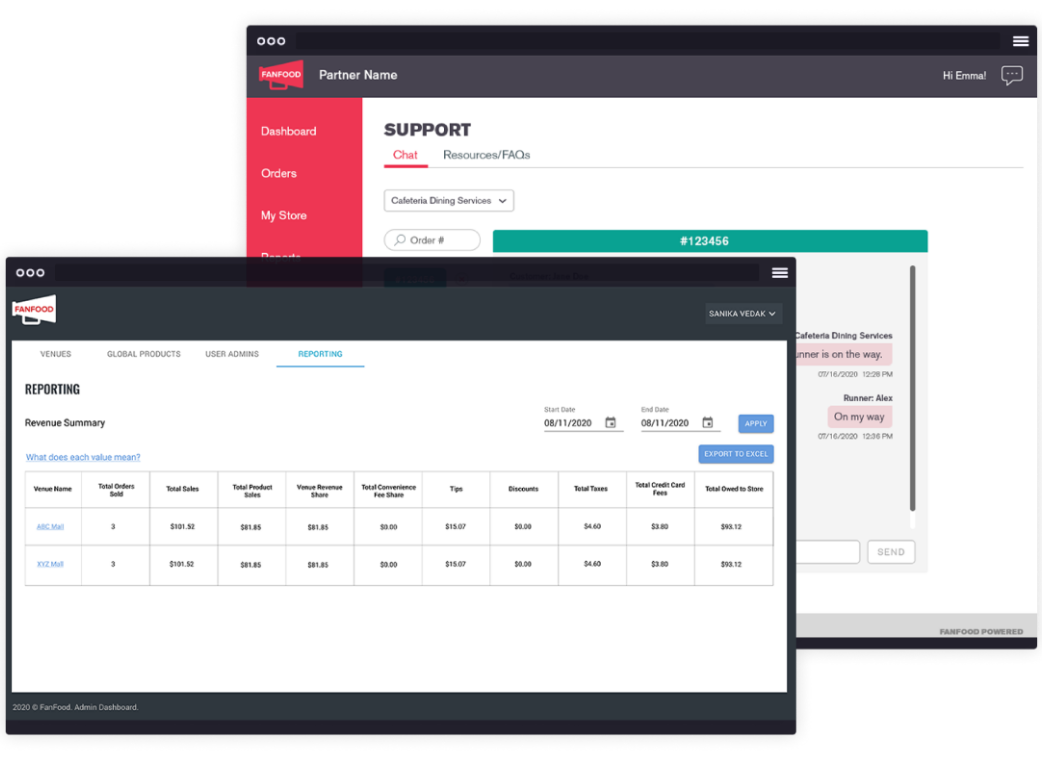
How It Works
1
Place Orders
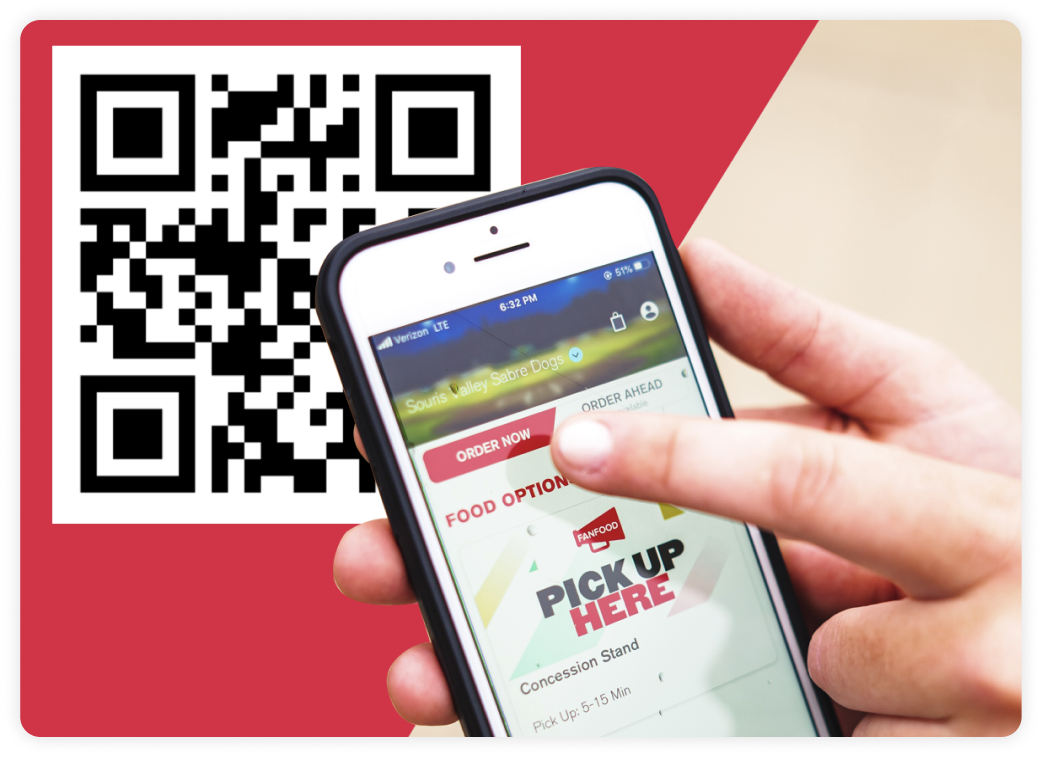
- Scan QR code to open the browser-based app and search for the location or business
- Alternatively, enter a short URL link in the browser, or download the FanFood app (Android & iOS).
2
Make a Payment
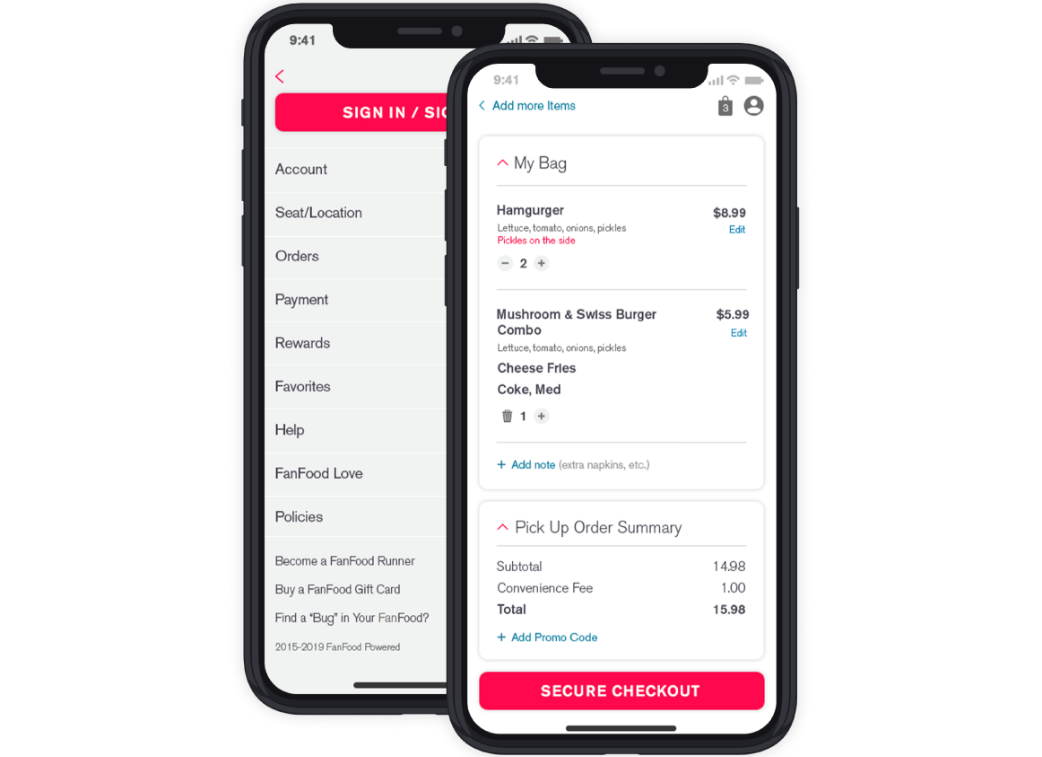
- Pre-order for scheduled pickup/delivery, or order instantly from the menu.
- Pay with credit card or mobile wallet securely in-app, and leave a tip upon checkout.
3
Receive Orders
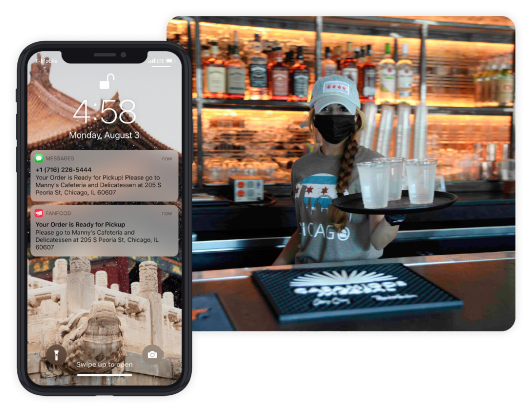
- Receive a text alert when the order is ready.
- Orders can be received via express pickup, delivery to an address / car / table / seat, or any designated location on the business property.
1
Receive & Prepare Orders
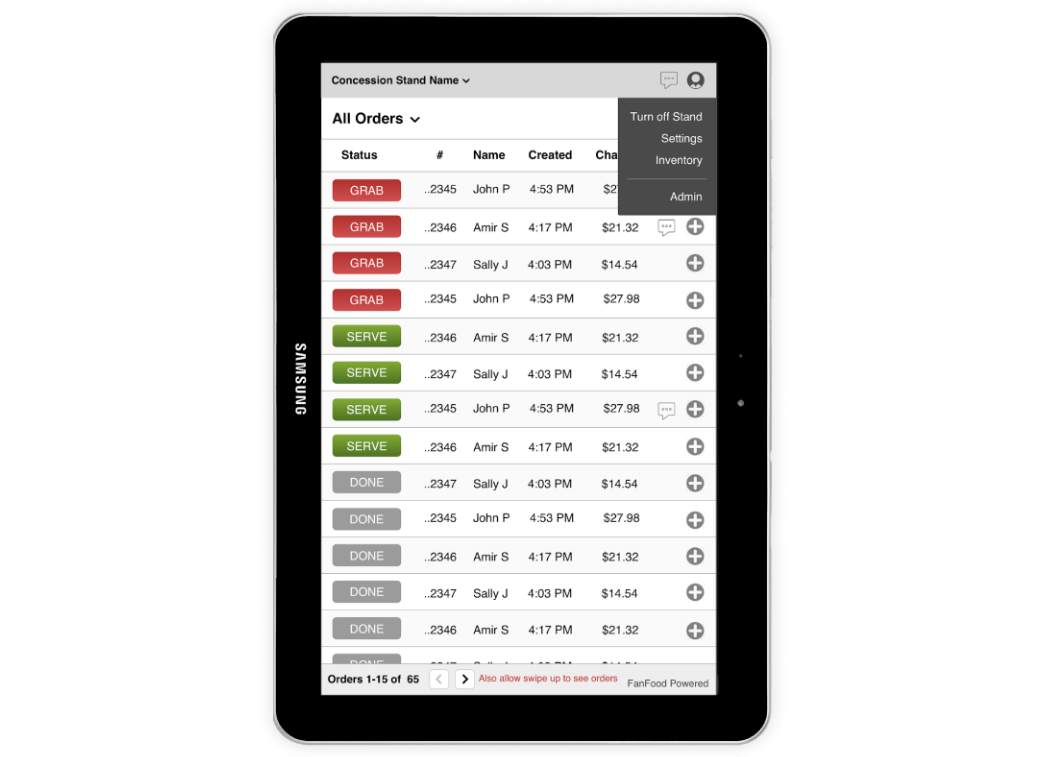
- Receive a sound alert when new orders come in.
- Hit “Grab” and start preparing orders.
2
Fulfill Pick-up Orders
- Hit “Done” when order is ready and the customer will receive a text alert to come and pick up the order.
Fulfill Delivery Orders
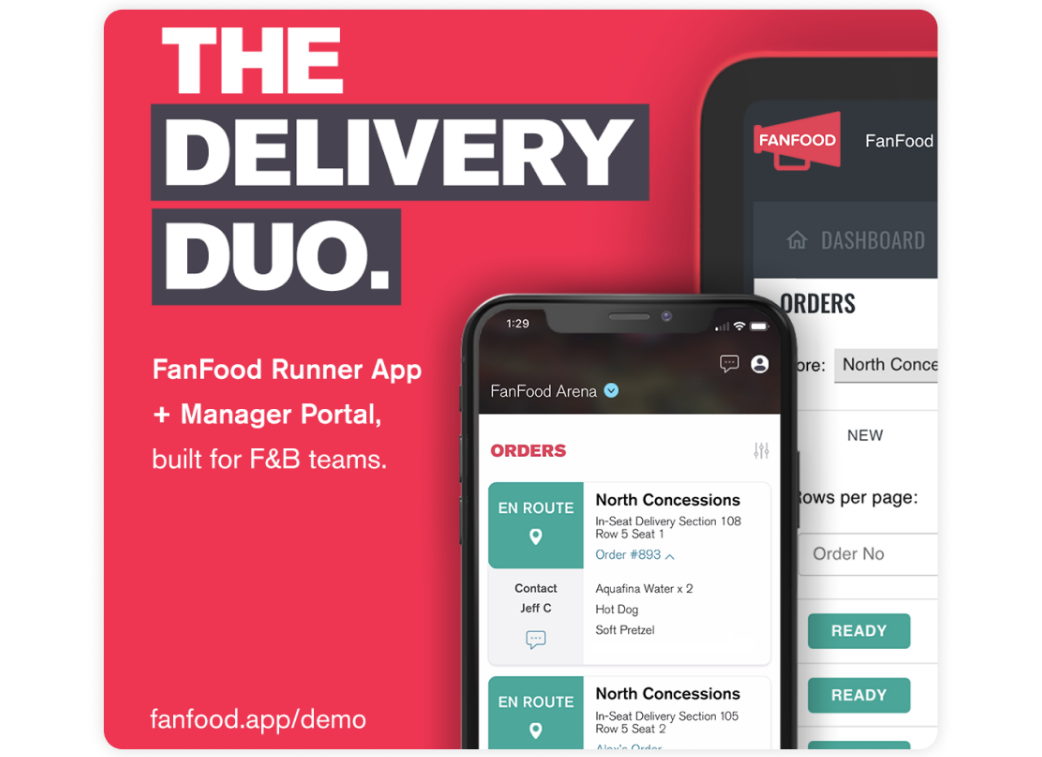
- Assign orders to delivery staff and track the progress in the Manager Portal.
3
Enhance the Customer Experience
- You can view all sales data and monitor inventory levels in real time.
- Additionally, chat with customers for support and refund/cancel orders when needed.